The job you want, a few minutes after it's posted.
Sarathi writes the resume changes and the cover letter. You apply on the company's site.
Google sign-in gives Sarathi your name, email and profile photo. Nothing else. Sarathi never posts or sends anything in your name.

Posted today and yesterday.
Real postings from the feed, a few of many. Sign in to see the ones for your titles.
Example
82Data Analyst
Example company · Austin, TX
Match score compares your resume with the posting.
- SQLMetWrote SQL reports for three teams
- Tableau or Power BIMetBuilt Tableau dashboards for sales
- 2 to 4 yearsMet3 years as an analyst
- PythonMissing
Made-up posting and resume. Yours is scored after you sign in.
How it works, step by step.
Seven steps, in the order you'll do them. You stay in control of every one.
- 01
Add your titles. New postings arrive.
- 02
Open a job. See how you match.
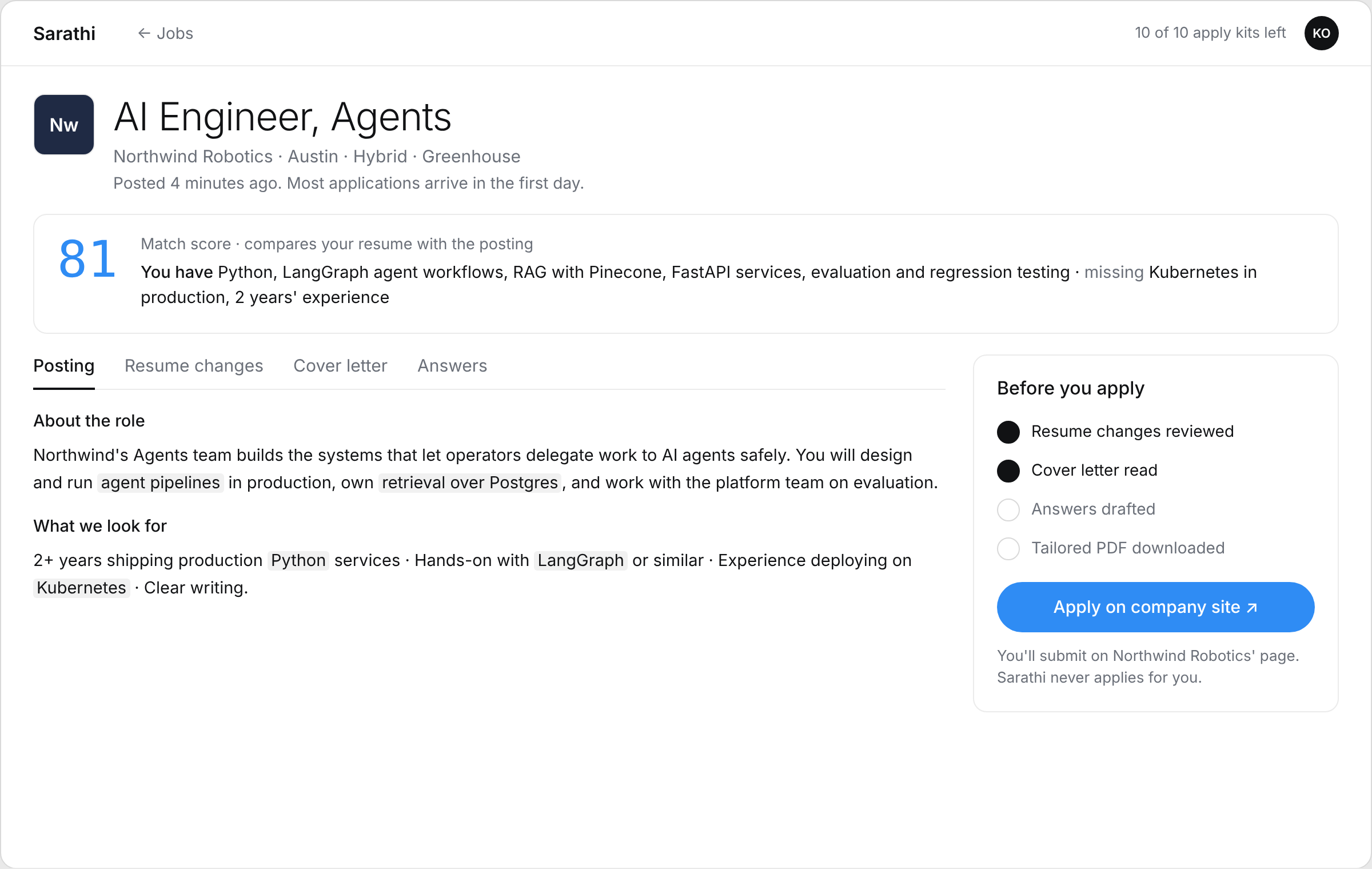
- 03
Write resume changes, a cover letter, answers.
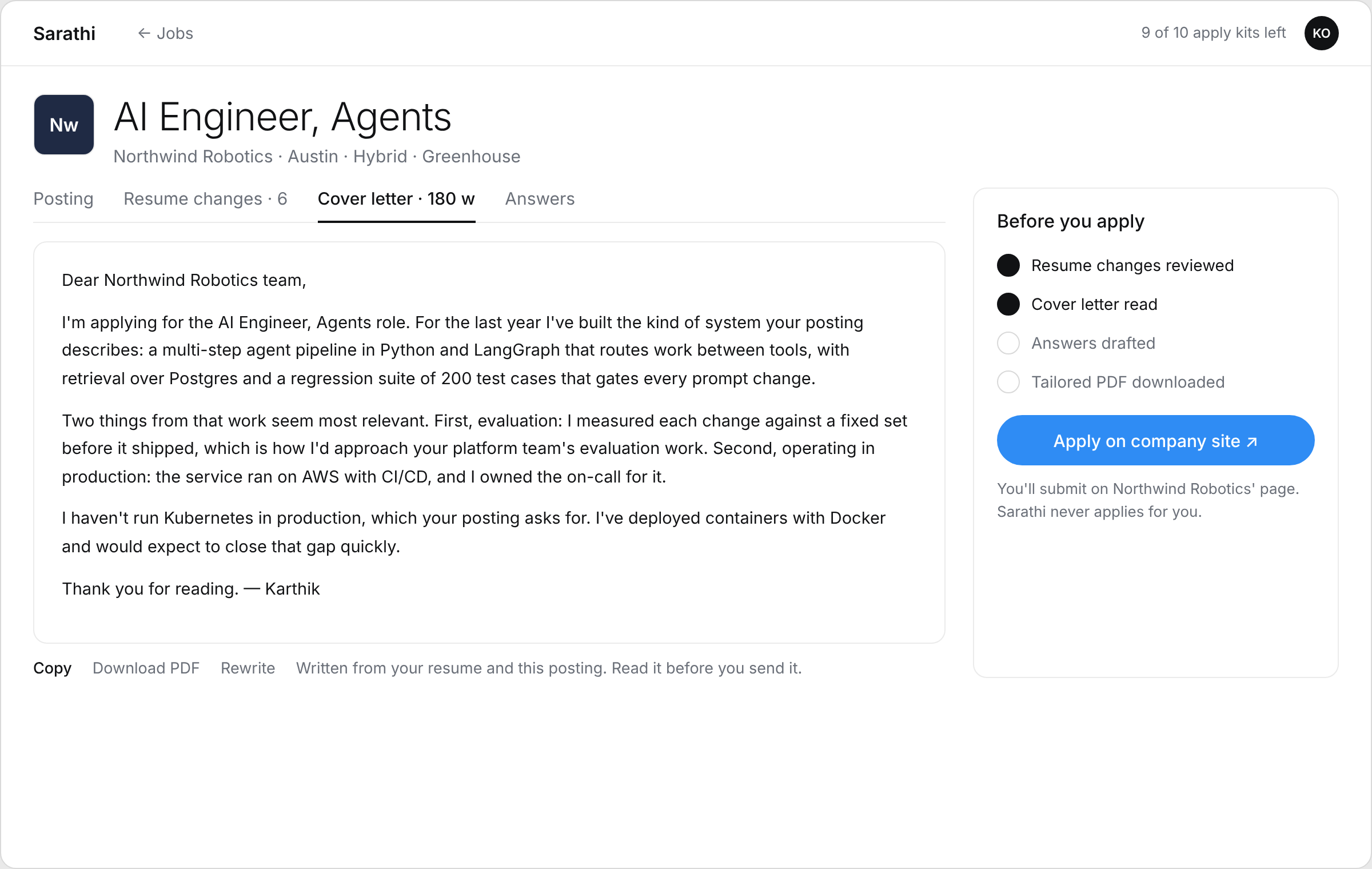
- 04
Apply on the company's site. Never for you.
- 05
Mark it applied. It's in your Tracker.
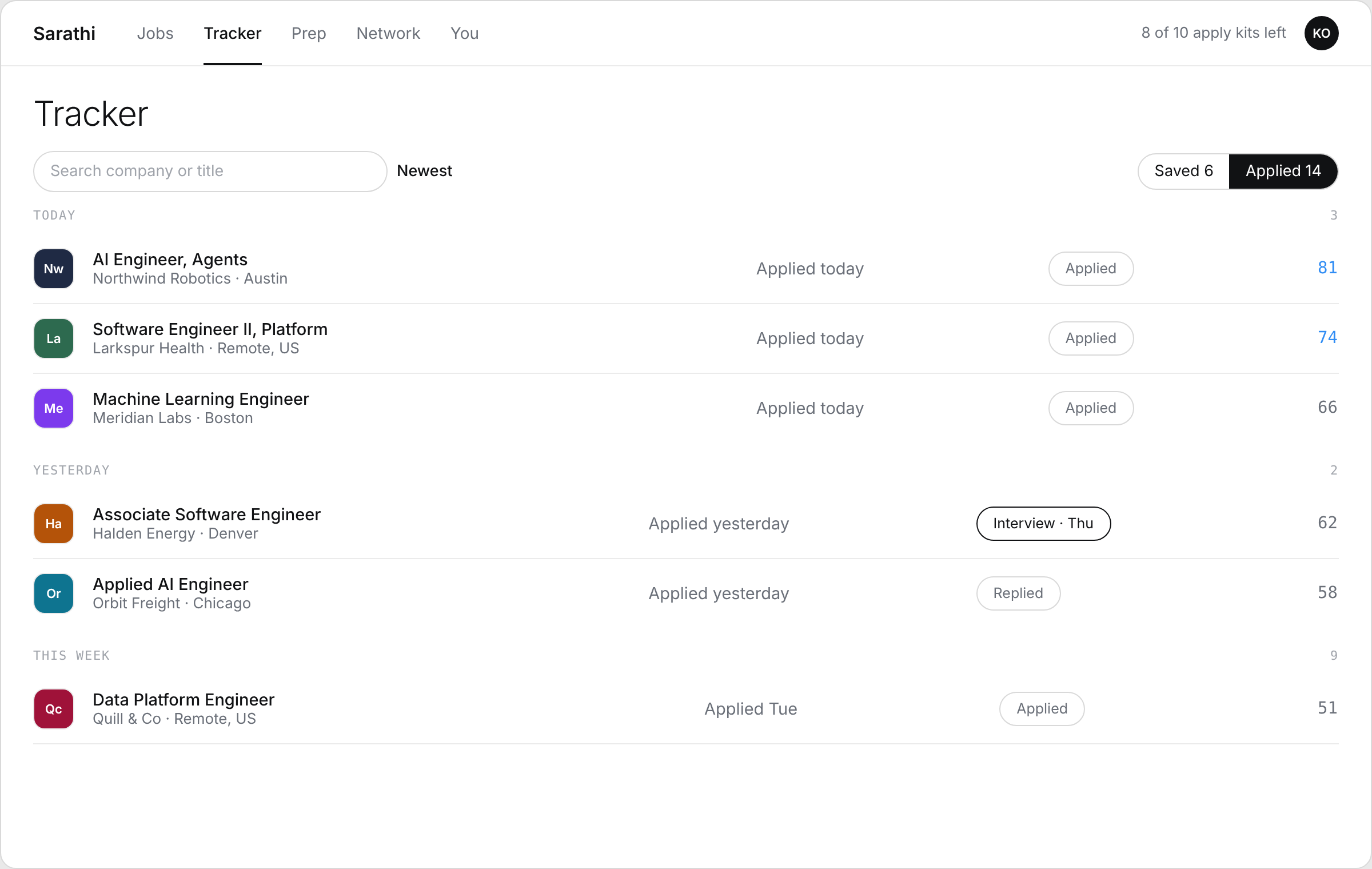
- 06
Reach out, with a short note written for them.
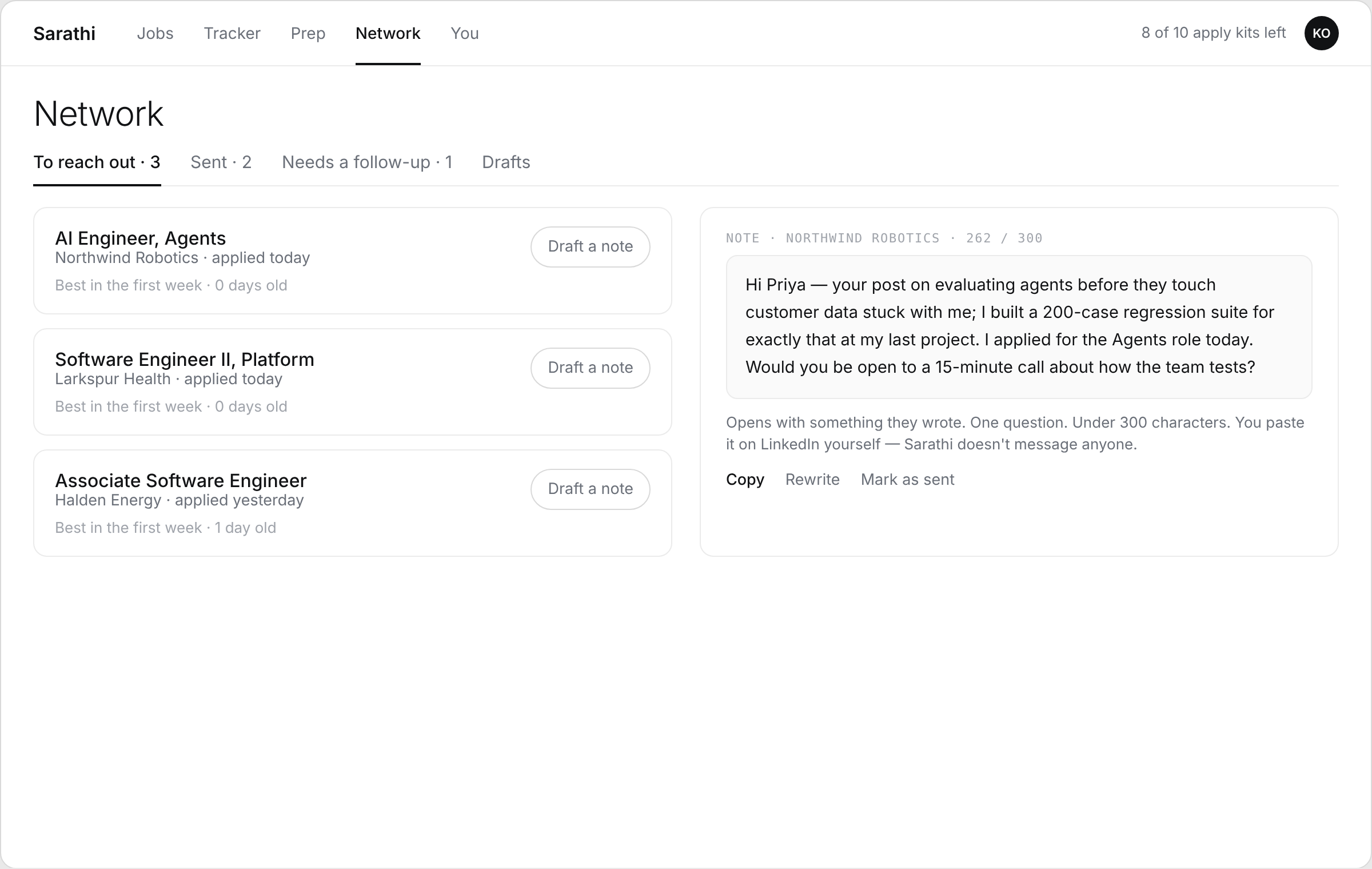
- 07
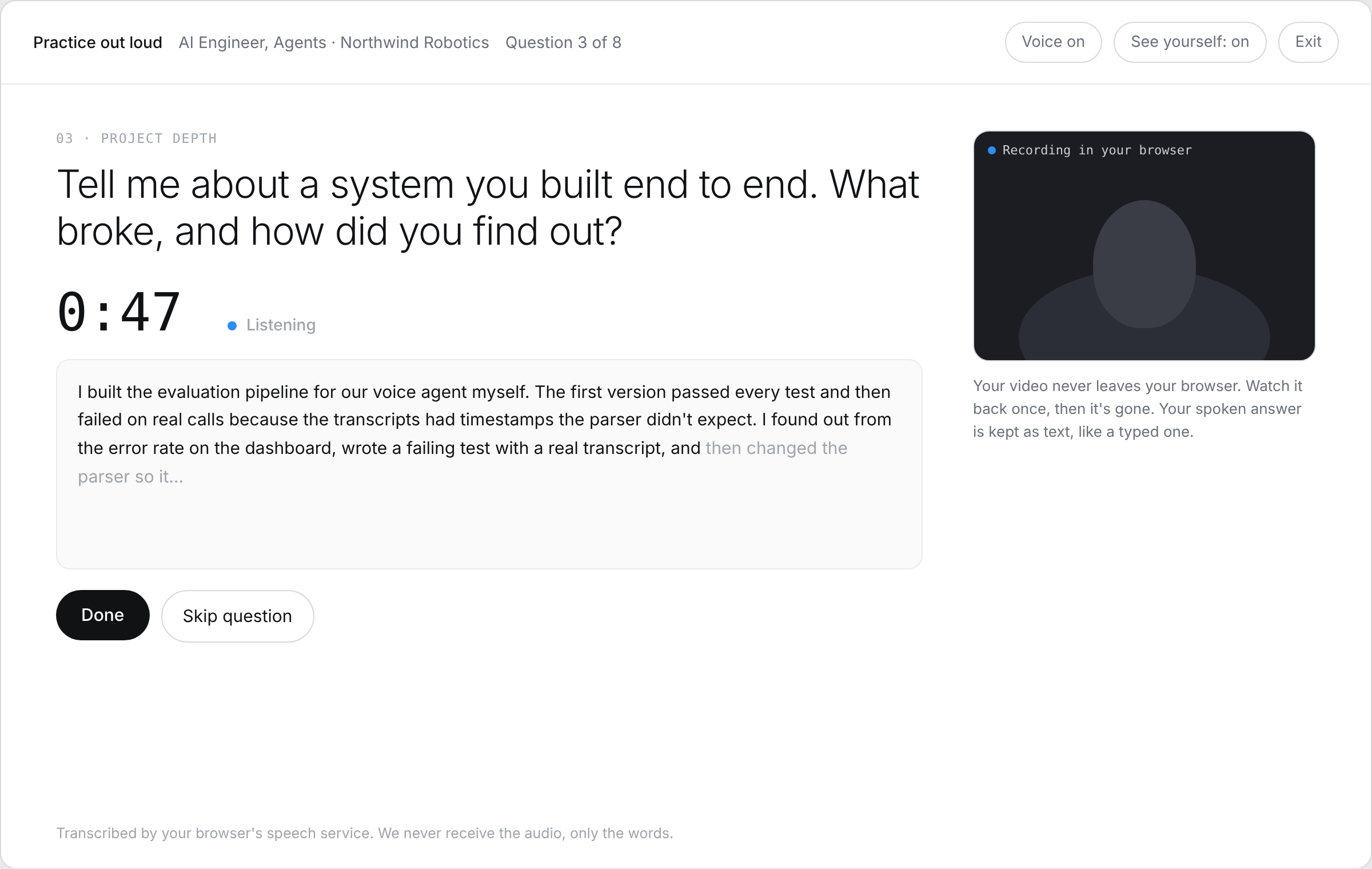
Practise out loud, camera if you like.
What Sarathi doesn't do.
- Apply for youEvery application is yours, on the company's own page.
- Scrape LinkedInPostings come from company career pages and web search. Some are excerpts, with a link to the full text.
- Guess your oddsThe score compares your resume with the posting. It doesn't predict a reply.
- Look at your videoPractice recordings stay in your browser and are gone when you close the page.
Your resume, answers and replies are visible only to you. Nothing is shared with other users or used to train AI. Delete everything with one click.
Get started — free